AI workouts, only when you ask.
Choose focus, time, equipment and a note, then get a workout you can start or change. Nothing is suggested on its own.
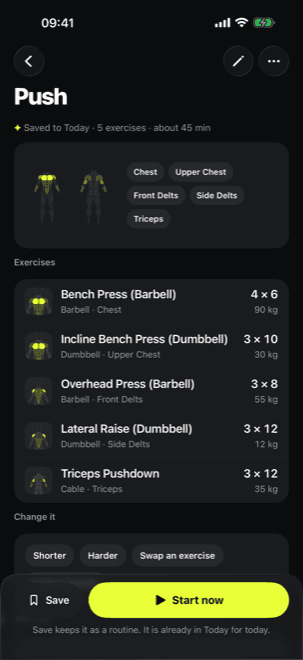
Liftzr is a workout tracker for people who lift. Log a set in one tap, on your iPhone or your Apple Watch, and let the rest timer run from your Lock Screen.
iPhone and Apple Watch · Works offline · Kilograms or pounds
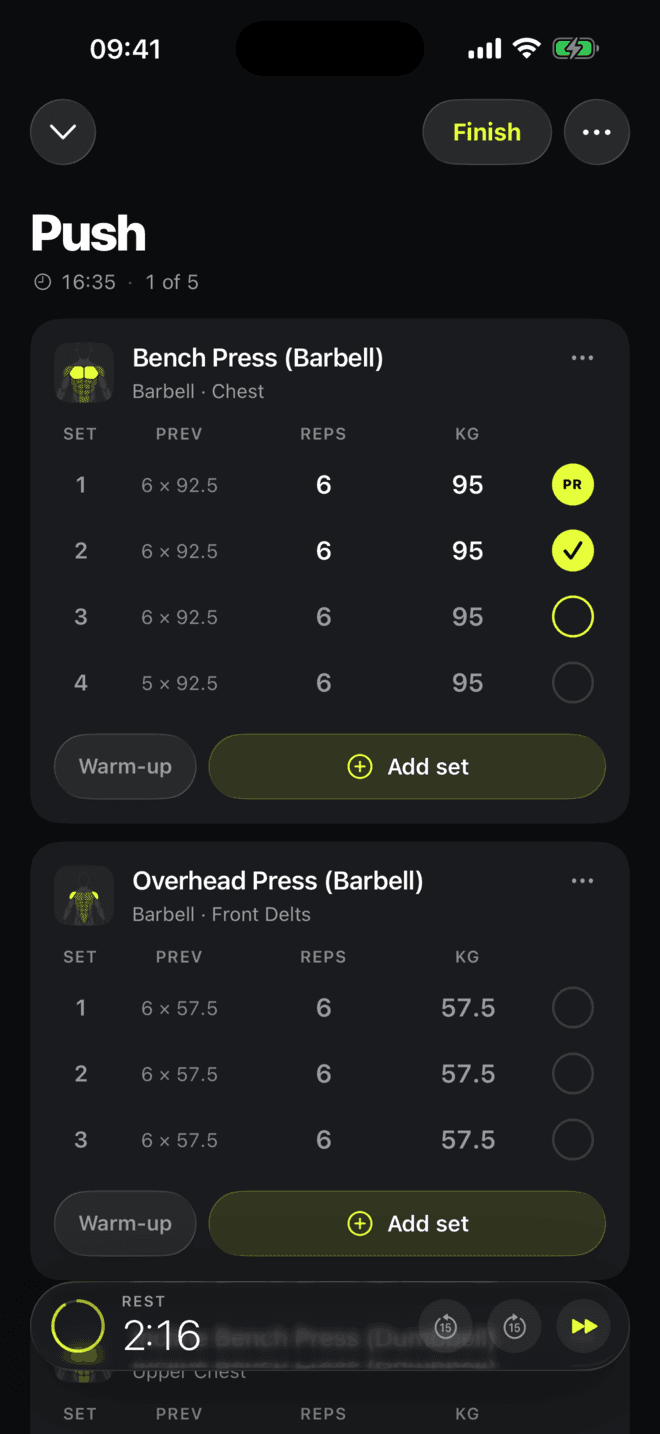
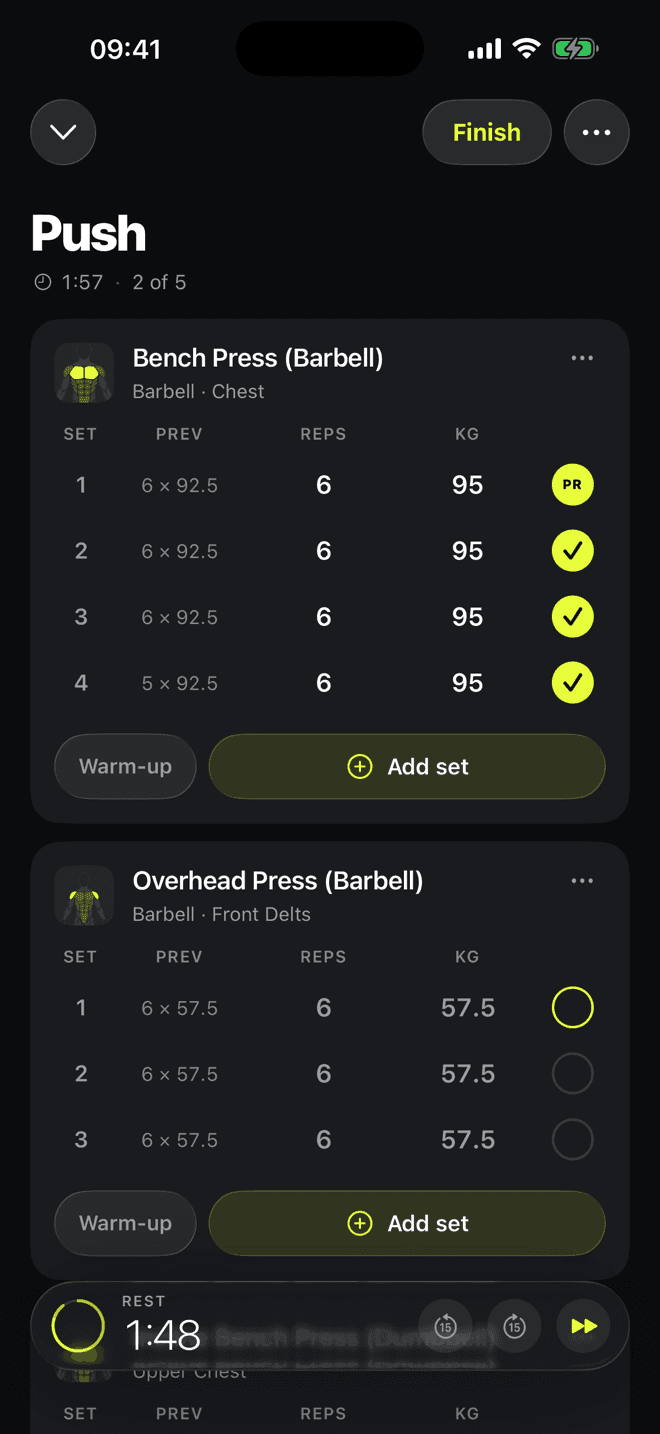
Your previous sets sit next to the ones you are filling in, already prefilled. Tap the circle and the set is logged. Change a number only when you lift something different.
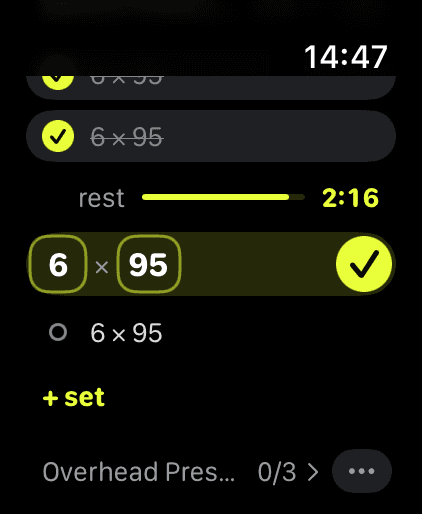
Leave the phone in your bag. Start a routine on Apple Watch and log every set with the Digital Crown. The rest timer stays in step on both.
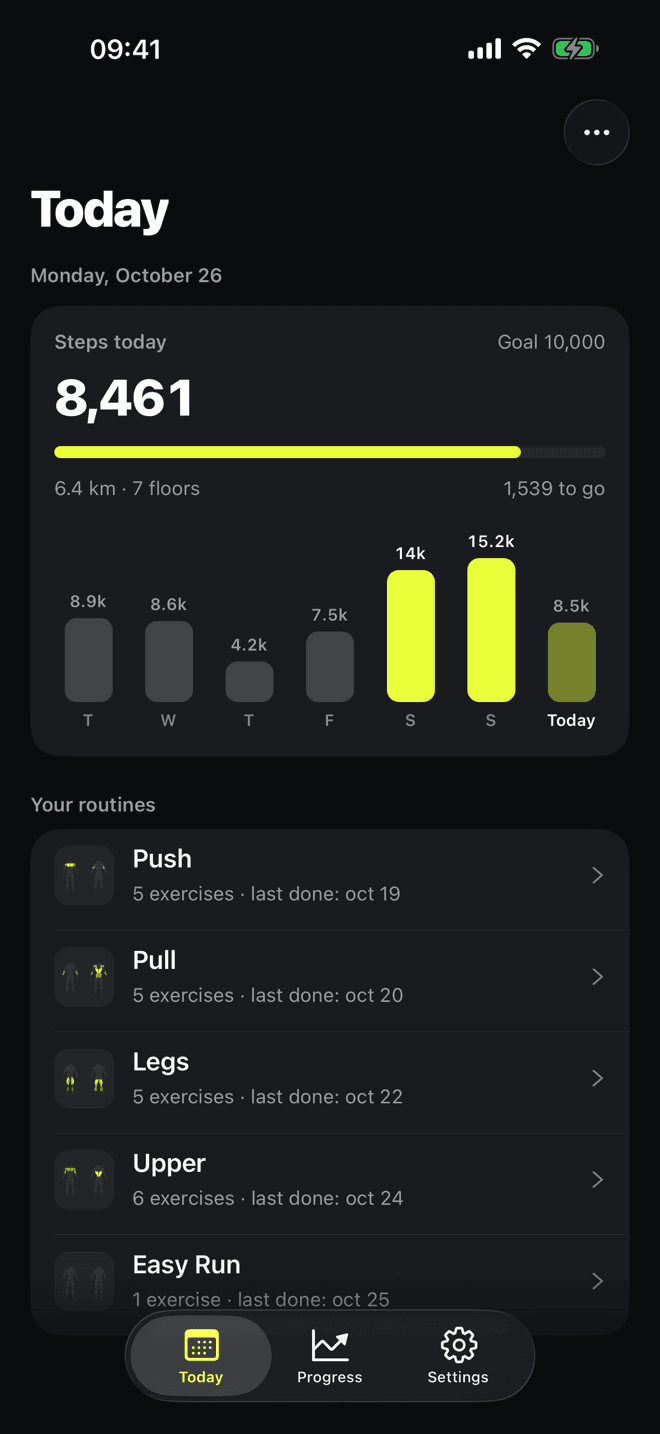
Steps, indoor cardio and heart-rate zones sit next to your lifting, with recovery and records worked out from what you log.
Choose focus, time, equipment and a note, then get a workout you can start or change. Nothing is suggested on its own.
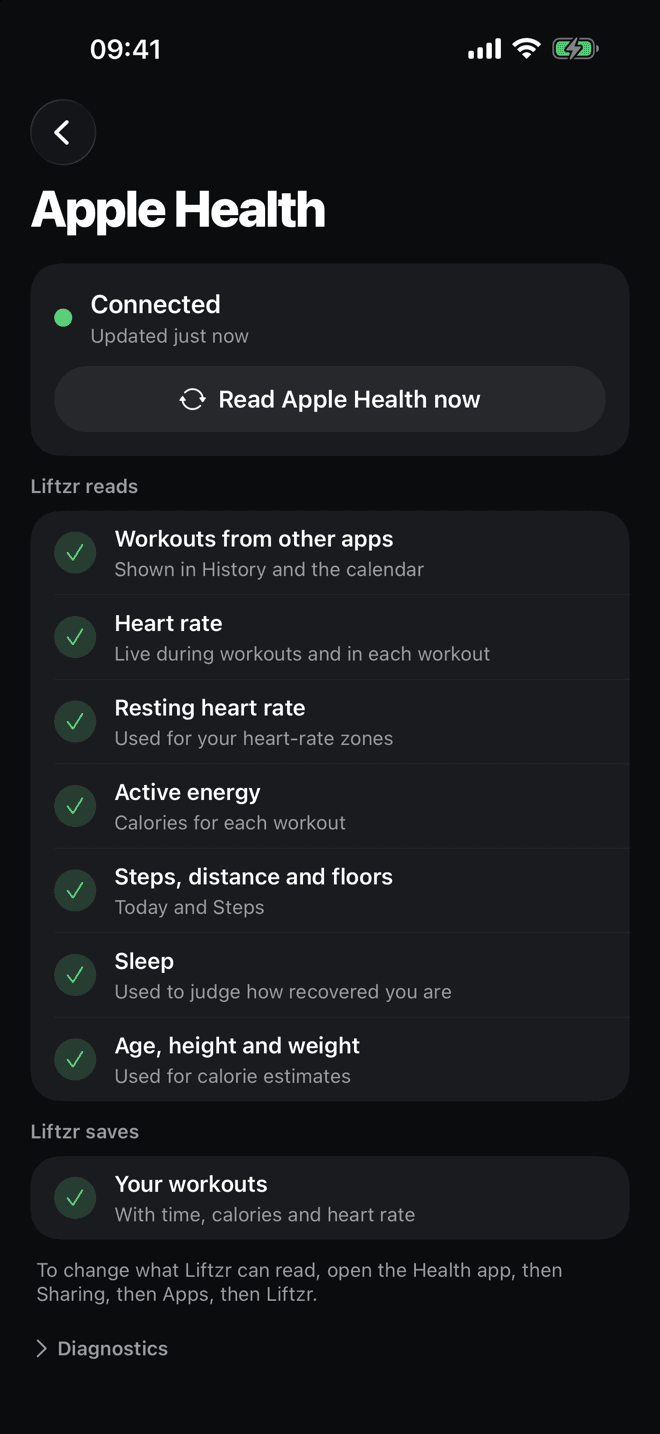
Workouts, heart rate and steps go to Apple Health. Turn on Liftzr Cloud if you want a backup across your devices.
Liftzr keeps your training on your phone and works without a connection. An account is only needed for AI workouts and cloud backup.
Yes. Logging, routines, the rest timer and your history all work without a connection. Optional cloud backup syncs when you are online.
No. You can train without one. An account is only needed for AI workouts and Liftzr Cloud backup.
Start a routine, log sets with the Digital Crown, see live heart rate and follow the same rest timer as your iPhone. There is also a steps complication.
No. Liftzr plans a workout only when you ask for one, and you can start it, change it or save it as a routine.